Appearance
Game installation
The installation for AA2Reborn is pretty straightforward.
Windows
Download the game from here and follow the instructions.
Smartscreen
You might get the following warning from Windows Smartscreen when you try to run the installer. This is because the installer is not signed with a code signing certificate, which is a common practice for community projects to avoid the cost of obtaining a certificate. The file is totally safe.
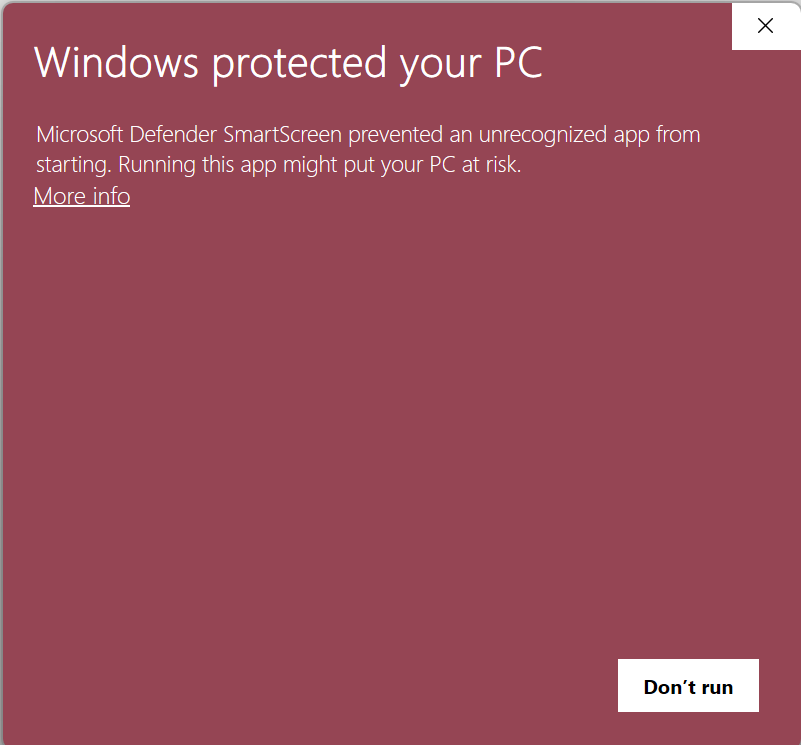
Press more info and then click on "Run anyway" to proceed with the installation.
Linux
Make sure you have Wine installed on your system as America's Army 2.8.5 is not natively supported on Linux. You can install it using your distribution's package manager. For example, on Ubuntu, you can run the following command:
bash
sudo apt-get install wineOnce you have Wine installed, you can download the AppImage from here.
Then do:
bash
chmod +x AA2Reborn_0.5.2_amd64.AppImage
./AA2Reborn_0.5.2_amd64.AppImage
If you're stuck in 'Checking game files', try to run:
bash
sudo ./AA2Reborn_0.5.2_amd64.AppImage