Appearance
Dedicated Servers — AA2Reborn
Overview
This document explains how to run a dedicated server for AA2Reborn on:
The steps cover prerequisites, installation, configuration, running the server, firewall and ports guidance, and troubleshooting tips.
Important Notes
- If you don't have experience running America's Army 2 servers, I highly recommend reading this guide first from top to bottom, then follow the instructions to set up your server on your desired OS.
- The port you specify in server.ini is the game port. You must keep in mind that the query port is game port + 1, so if you specify 1716 in server.ini, you have to open 1716 and 1717 in your firewall and port forward them if you're behind a router.
Register on tracker.aa2reborn.com
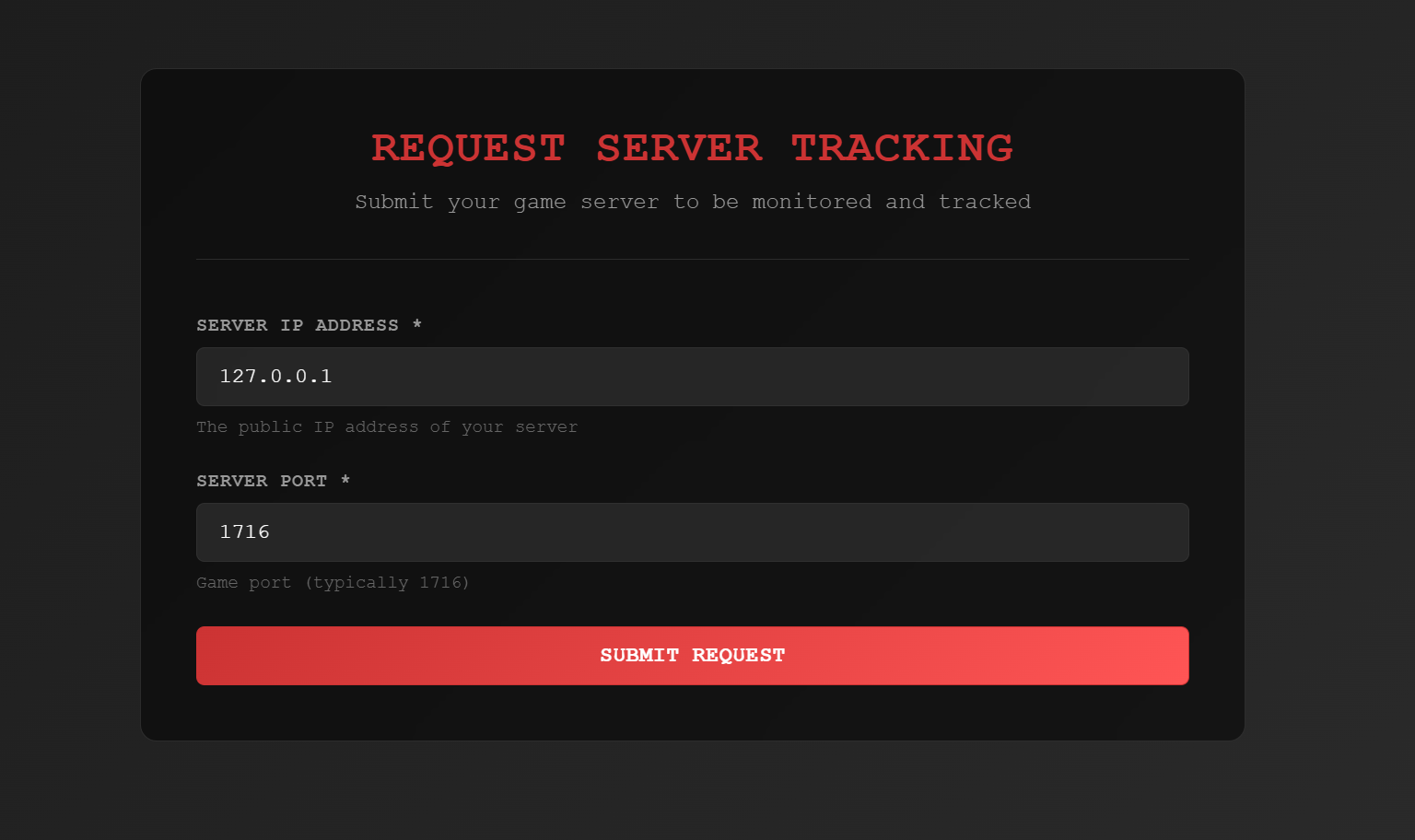
Before you can run a server, you need to register on https://tracker.aa2reborn.com and create a server. Please input the server IP and port you're willing to use. 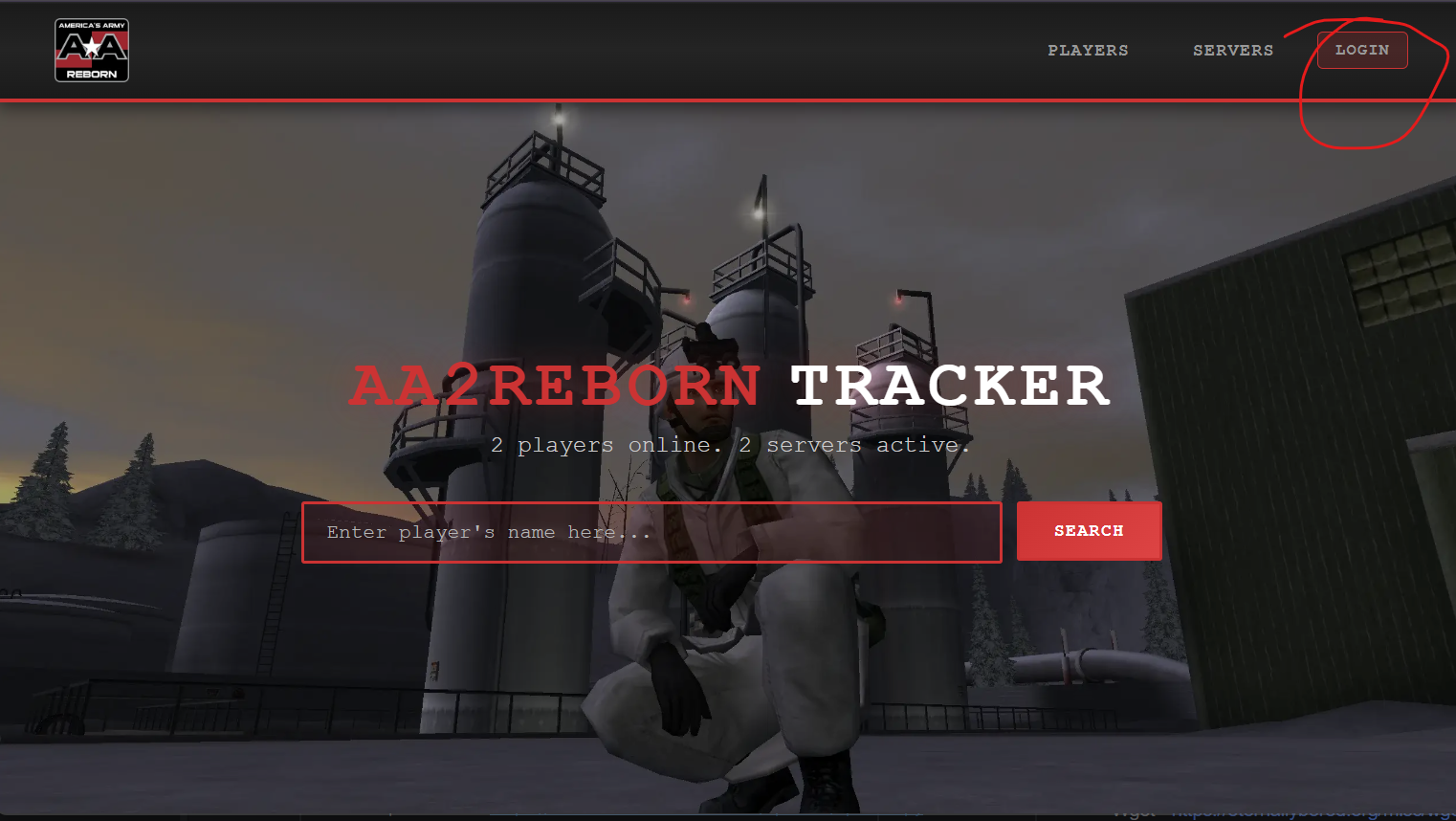
Press on REQUEST TRACKING at the top, then fill in your server data.
Windows — Quick start
Prerequisites
- A Windows server or desktop (Windows 10/11, Server 2016/2019/2022)
- Administrator access firewall and router to open ports
- Python 3 - https://www.python.org/downloads/
- Wget - https://eternallybored.org/misc/wget/ (or use PowerShell's Invoke-WebRequest)
Install and prepare
Create a folder for the server
powershell
mkdir aaserver
cd aaserver
Grab the updater from https://download.aa2reborn.com/updates/updater.py
powershell
wget https://download.aa2reborn.com/updates/updater.py -O updater.pyRun the following commands to get the prerequisites for the updater
powershell
pip install -r https://download.aa2reborn.com/updates/updater_requirements.txtRun the updater:
powershell
python updater.pyThen you can run RunServer.bat, all args are optional.
powershell
RunServer.bat -log=<filename> -ini=<filename> -ultimatemod=falseYou have the following options for the server bat. You have the option to use Ultimate Mod, an useful mod for server administration. It is enabled by default.
| Argument | Description | Default |
|---|---|---|
-log=<filename> | Sets the log output file. | server.log |
-ini=<filename> | Sets the initialization file. | server.ini |
-ultimatemod=false | Disables the Ultimate Mod flag for AAMods.exe. | true |
[!!! IMPORTANT !!!] Jump to the server.ini configuration section below for configuring the server.
Running multiple servers
If you want to run multiple servers on the same machine, you can just create another server.ini and keep the same game folder.
powershell
RunServer.bat -log=server2.log -ini=server2.iniFirewall and ports
- Open the game port and query port configured for the server in
server.inior via the command-line-portargument.
PowerShell example:
powershell
New-NetFirewallRule -DisplayName "AA2Reborn Server Game Port" -Direction Inbound -Protocol UDP -LocalPort 1716 -Action Allow
New-NetFirewallRule -DisplayName "AA2Reborn Server Query Port" -Direction Inbound -Protocol UDP -LocalPort 1717 -Action Allow
Troubleshooting (Windows)
- Check server logs (Logs, Saved/Logs) for startup errors.
- Install missing Visual C++ redistributables if an MSVCR*.dll error appears.
- Run the executable from a console to view runtime output.
Linux (Wine) — Quick start
Unfortunately, there's no native way to deploy a server natively on Linux because I cannot find the original server binaries. This will do until we can figure out a solution natively for Linux.
Prerequisites
- A Linux distribution (Debian/Ubuntu/CentOS/Alma/Rocky, etc.)
- Wine (32-bit or multiarch)
- Python 3
- Dedicated user account for the server (recommended)
Install Wine, Wget, Python (Debian/Ubuntu example)
bash
sudo apt update; sudo apt install -y wine64 wine32 wget python3Install and prepare
Create a folder for the server
powershell
mkdir aaserver
cd aaserver
Grab the updater from https://download.aa2reborn.com/updates/updater.py
powershell
wget https://download.aa2reborn.com/updates/updater.py -O updater.pyRun the following commands to get the prerequisites for the updater
powershell
pip install -r https://download.aa2reborn.com/updates/updater_requirements.txtRun the updater:
powershell
python3 updater.py[!!! IMPORTANT !!!] Jump to the server.ini configuration section below for configuring the server
Run the server
bash
chmod +x RunServer.sh
./RunServer.sh
I like to use screen to keep the server running in the background.
bash
screen -dmS aareborn ./RunServer.shThen write this command to attach to the screen session and see the server output:
bash
screen -r aarebornCtrl + A, then D to detach from the screen session and keep it running in the background.
Firewall and ports (Linux)
- Open the game port and query port used by the server on the host firewall and any cloud provider security groups.
ufw example:
bash
sudo ufw allow 1716/udp
sudo ufw allow 1717/tcp
server.ini configuration
It's very important that you properly configure the server.ini file. Open the server.ini and look for the [AA2Reborn_Auth.AA_ServerConfig] section
[AA2Reborn_Auth.AA_ServerConfig]
AuthServerAddress=auth.aa2reborn.com
AuthServerPort=80
ServerSecret=<your-server-secret-here>
ExternalIP=<your-external-ip-here>
Port=<your-server-port-here>
For ExternalIP, you can use a service like https://ipinfo.io/ip to find your public IP address.
For Linux:
curl https://ipinfo.io/ipFor the ServerSecret, go to https://tracker.aa2reborn.com, login with your AA2Reborn account, press on your username on the header to go to Profile and create a new server to get a secret key.
For the Port, you can choose any port you want, I'd recommend the default one: 1716. The query port is game port + 1, so in our case 1717, keep in mind you have to port forward it too.
Look for the URL section at the top of server.ini and modify the game port as well with your port from AA_ServerConfig
Port=1716Performance and security
- Run under a dedicated non-privileged user account.
- Ensure the host has sufficient CPU, RAM, and network bandwidth.
Backups and updates
- Backup config files and any persistent data regularly.
Appendix — Useful commands
PowerShell: check listening ports
powershell
Get-NetTCPConnection -LocalPort 12345 -State Listen
Get-NetUDPEndpoint | Where-Object LocalPort -EQ 12345
Linux: check listening ports
bash
sudo ss -tunlp | grep -E "12345|AA_Server"CubeCoders AMP
If you're already familiar with CubeCoders AMP and would like to use it to host and manage your AA2Reborn server, a community-maintained template is available that handles the setup for you and exposes all server settings directly in the AMP dashboard.
See the AMP Setup Guide to get started.